tamaemu
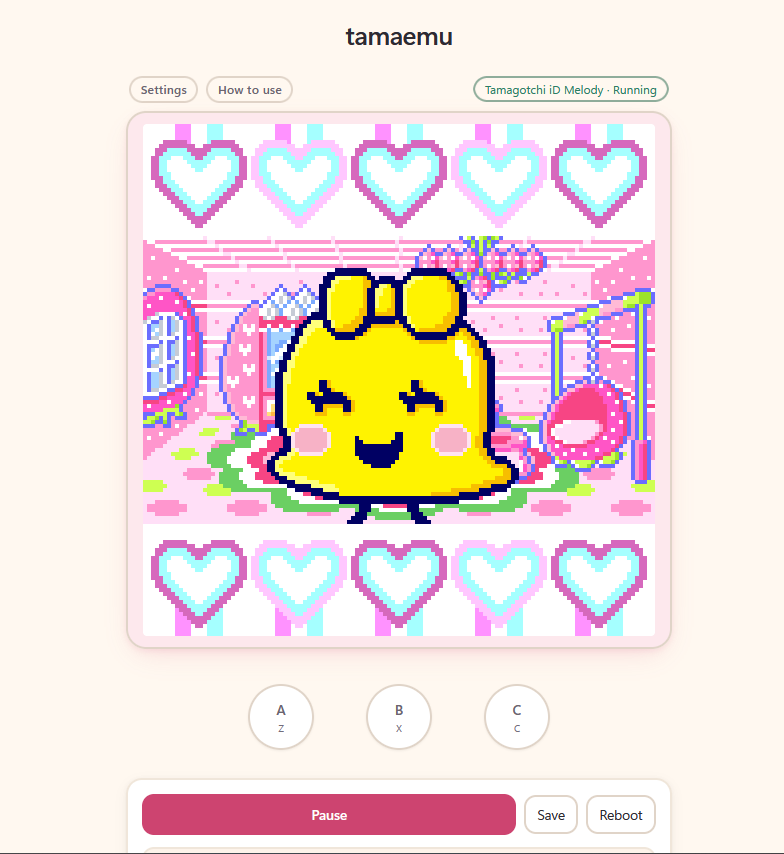
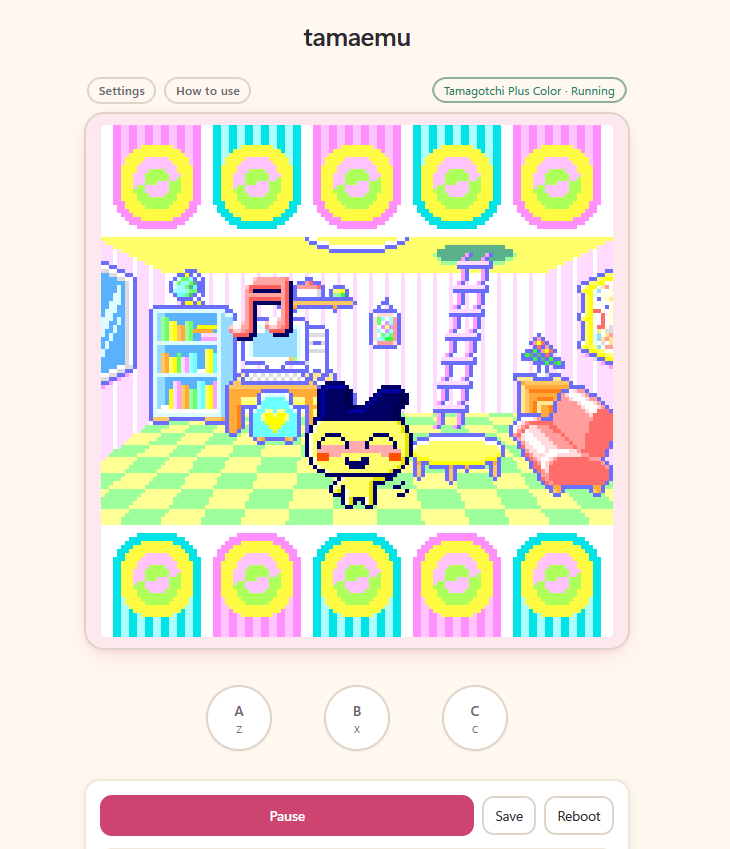
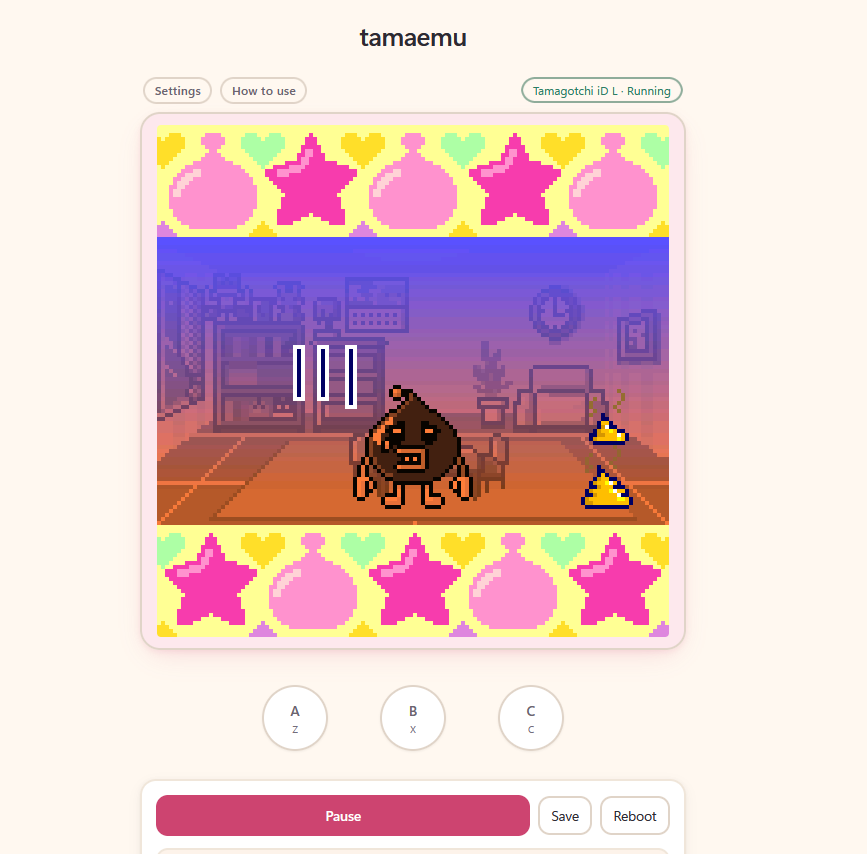
Tamaemu is an emulator that allows you to play popular color Tamagotchi models in your browser with no extra downloads.
This emulator does not provide firmware or ROMs, and it never will. Your saves stay local to your machine. You are required to provide your own firmware!
Currently supports:
- P's
- IDL
- IDL 15th Anniversary Edition
- IDL Spacy Princess
- IDLE
- ID
- ID Melody
- Plus Color
- Plus Color Hexagontchi
- 4U
- 4U+
Also supports community provided DLC.
Found an issue, have suggestions?
Download
Install instructions
How to download and install (Windows)
-
Click
tamaemu-windows.zipto download it. -
Move the ZIP file to the folder where you want the emulator to stay. Right-click it and select “Extract All.”
-
Open the extracted folder, then open the folder inside it. Double-click
tama-launcher. -
Windows may display a warning because the app is not digitally signed. If you downloaded it from this official itch.io page, click “More info.”
-
Click “Run anyway.”
-
You’ll see the welcome screen - have fun!
Development log
- Fixed IOS import .sav functionality!21 hours ago
Leave a comment
Log in with itch.io to leave a comment.